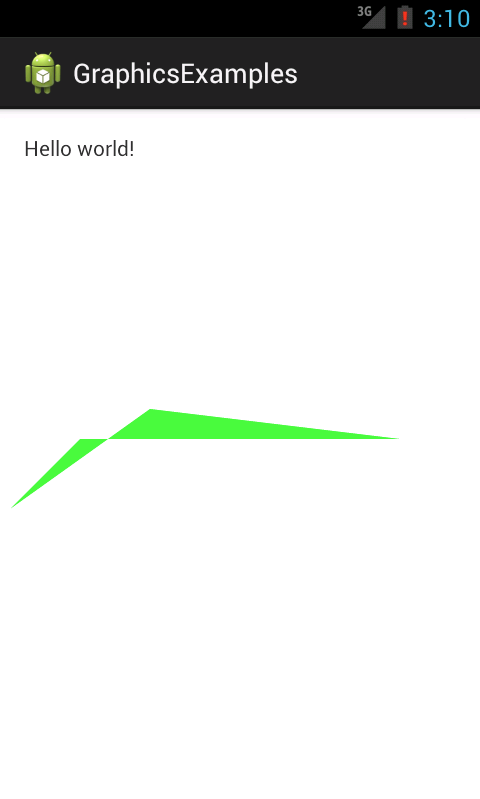
Android2D Draw polygon
Draw polygon using Android2D Path.
Path means path to draw. Path controls how to draw line.
Sample
public class DrawTestView extends View
{
    private Paint paint;

    private Path path;

    public DrawTestView ( Context context )
    {
        super(context);

        paint = new Paint(Paint.ANTI_ALIAS_FLAG);
        path = new Path();
        path.moveTo(150, 300);
        path.lineTo(10, 400);
        path.lineTo(80, 330);
        path.lineTo(400, 330);
    }


    @Override
    protected void onDraw ( Canvas canvas )
    {
        paint.setColor(Color.rgb(0, 255, 0));
        paint.setStrokeWidth(10);
        canvas.drawPath(path, paint);
    }
}
moveTo moves first point. After that, use lineTo to draw path.
Finally, we use canvas.drawPath with path which are created.
Results